
How to unlock a segway scooter: open the official Segway-Ninebot app, connect your phone to the vehicle through Bluetooth, and tap the lock icon on the main screen. The most common cause of a locked wheel is the app’s anti-theft guard, which uses electromagnetic resistance to prevent the motor from turning until the registered owner connects and turns it off.
Reasons your Segway scooter remains locked
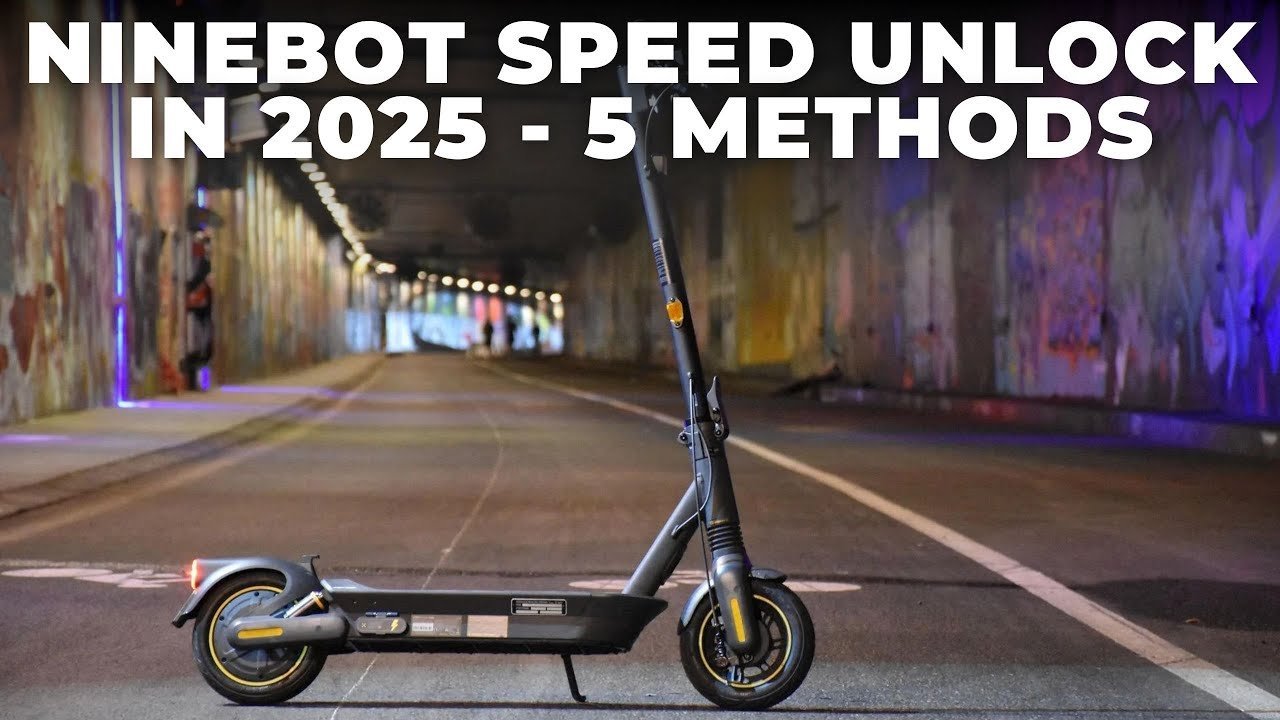
A Segway locks its wheels and sounds an alarm for two main reasons. The first is an intentional digital lock you set through the phone application before walking away. When this mode is active, the motor resists movement and beeps if someone pushes it. The second common cause is an uncompleted new-device setup. Factory units arrive in a restricted speed state until you pair them with an account and watch the safety tutorial. This varies by model — check the label on your stem or deck to confirm your exact series. If your vehicle won’t budge, the controller is either waiting for its paired Bluetooth key or stuck in an error state caused by a dropped wireless signal during your last shutdown.
Toggle the digital lock inside the app
This fix is for owners whose scooters are powered on, beeping, and resisting being pushed manually.
- Stand within 3 feet of the scooter and turn on your phone’s Bluetooth.
- Open the Segway-Ninebot app and select your vehicle from the device dashboard.
- Wait for the Bluetooth icon on the scooter’s handlebar display to turn solid blue.
- Swipe the large padlock toggle on the dashboard screen to the open position.
You’ll know it worked when the scooter emits one short beep, the motor resistance stops immediately, and the display shows your current speed mode instead of a blinking lock icon. This method requires no tools or mechanical work. If the app fails to connect on your first try, turn your phone’s Bluetooth off, wait five seconds, turn it back on, and reload the device screen.
Clear the controller with a hard reset
If the app fails to find your scooter or the screen freezes during a ride, perform a hardware reset directly on the handlebars. This fix isn’t for shared rental models found on city streets; it only works on privately owned consumer kickscooters like the Ninebot ES or MAX series.
Turn off the machine completely. Squeeze the handbrake lever down all the way, push the thumb throttle down to its lowest stop, and hold both controls in place. While holding them down, press and hold the power button on the display. Keep holding all three inputs down together for three full seconds. The dashboard will flash red numbers and beep repeatedly. Let go of everything and power the scooter back on. If the reset succeeds, the display returns to its default zero reading, releasing the electronic brake lock completely.
Unbind the previous owner’s account
This fix is for riders who bought a used scooter that says it’s already linked to another person’s email address. You can’t clear this ownership lock with simple button presses, because the security chip protects against vehicle theft.
The trade-off here is time: you must contact the original seller and ask them to open their app, go to Device Settings, and tap Unbind. If you can’t reach the seller, gather your purchase receipt, find the serial number on the bottom of the deck, and submit an ownership transfer ticket to official Segway customer support. If your used machine has a damaged controller board or unknown firmware, don’t try to rewire the throttle cables yourself. A mistake people actually make is splicing battery wires to bypass the digital lock, which fries the control board and costs an entire motor replacement. Take it to an authorized mobility repair shop instead.
What not to do
- Don’t force the scooter forward while the wheel motor is electronically braking, as this can damage the controller or motor windings.
- Don’t use third-party firmware flashing apps to crack the serial number, which often bricks the motherboard and voids any remaining factory warranty.
- Don’t cut or splice the exposed wiring harness running through the handlebar stem, as this creates a direct battery short that causes severe electrical shock or fire.
- Don’t submerge the lower deck or spray high-pressure water near the battery compartment to free a stuck mechanical wheel latch.
How to stop it happening again
Adjust your daily parking and software habits so your ride never locks you out unexpectedly.
| If you’re doing this | Do this instead | Why |
|---|---|---|
| Leaving the app locked while parking overnight | Use a physical U-lock around the frame | The electronic app lock drains battery power continuously while sitting |
| Buying a second-hand scooter online | Test Bluetooth binding before handing over cash | You can’t register a used scooter tied to an active foreign account |
| Ignoring app firmware prompts | Install updates while plugged into the wall charger | Interrupted wireless updates lock the motor controller in an error loop |
| Walking away with Bluetooth active | Disconnect the app after powering off | Stray phone signals can leave the vehicle stuck between active and sleep modes |
Frequently asked questions
Can I unlock a Segway scooter without the app?
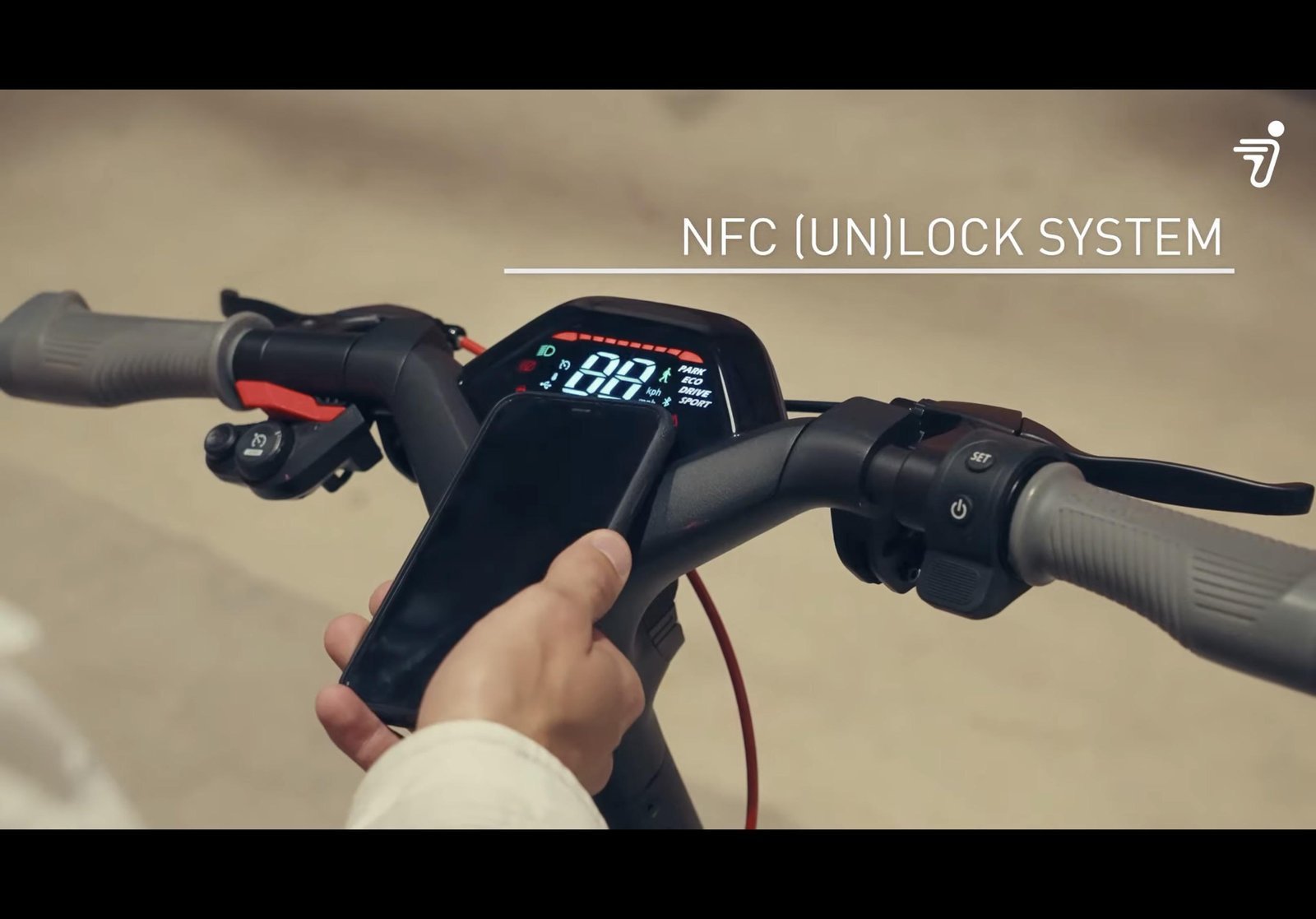
No, you can’t unlock consumer models without the app if the digital lock was engaged before shutdown. You must open the application or perform a manual button reset to clear the wheel resistance. Older models without app support rely on a physical key switch instead.
Why is my Segway scooter beeping and won’t move?
Your vehicle is beeping because the electronic anti-theft mode is active. The internal motor controller detects wheel movement without an authorized Bluetooth connection, so it pulses the electronic brake. Connect your paired phone or enter your set security passcode to silence the alarm.
How long does a Segway scooter stay locked?
A digital lock stays active until the main battery runs completely out of power or the owner unlocks it. Because the anti-theft system draws minimal energy, a fully charged battery can keep the electronic brake locked for several days before dying.
What happens if I forget my unlock passcode?
If you forget your passcode, open the paired application and complete an identity reset through your registered email. If you can’t log in, contact manufacturer support with your original proof of purchase and deck serial number to restore the default factory settings.
Is it safe to push a locked Segway?
No, it’s not safe to push a locked scooter along the ground. The hub motor actively resists rotation to prevent theft, so forcing it creates high electrical resistance and can damage the motor controller.
Final Thoughts
If you’re still having trouble after checking your connection, reach out to the manufacturer’s support team through their official app. They’ll help you reset the internal software so you can get back on the road. It’s a quick fix, and you’ll be cruising through the neighborhood again in no time.
Related guides