
Is your Ryobi battery refusing to charge, leaving your tools useless right when you need them most? It’s frustrating, and you’re not alone.
Luckily, you don’t have to throw that battery away just yet. You’ll discover simple, effective steps to bring your Ryobi battery back to life. Whether you’re a DIY enthusiast or just need your tools running smoothly again, these easy fixes can save you time and money.
Keep reading to get your battery—and your projects—powering up again fast.
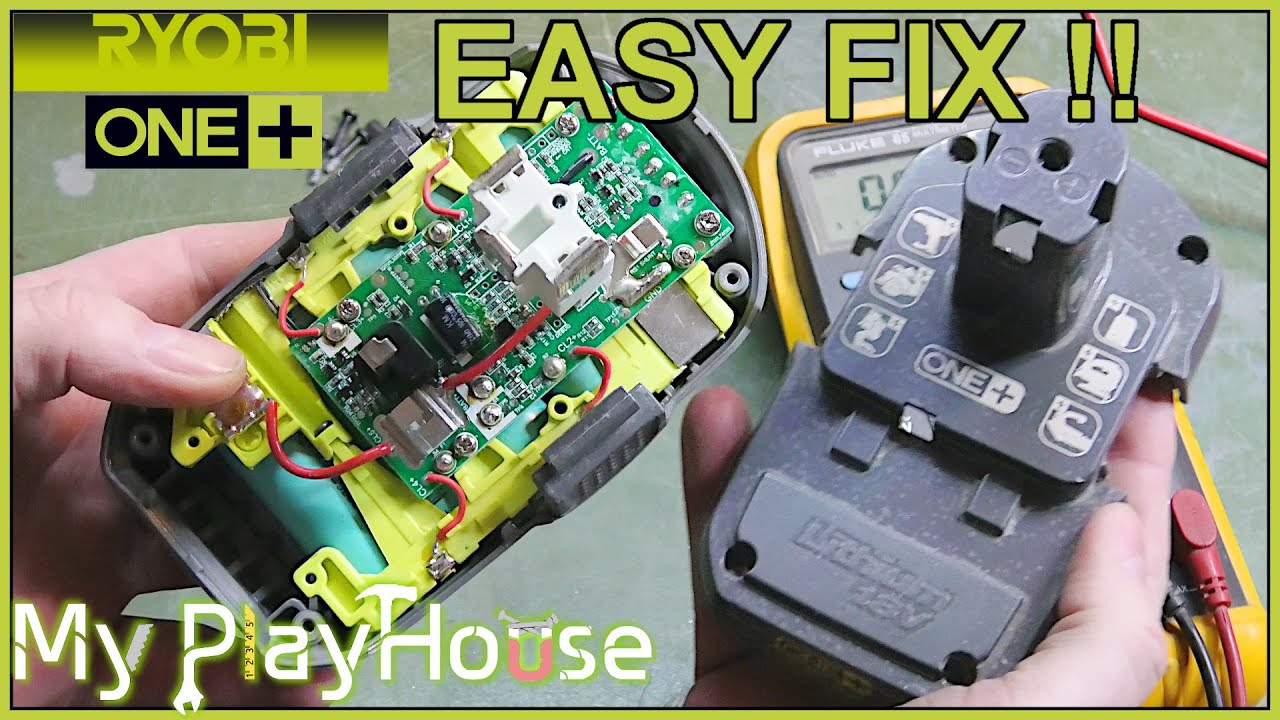
Credit: www.youtube.com
Common Reasons Ryobi Batteries Fail To Charge
Ryobi batteries sometimes fail to charge due to common issues. Knowing these reasons helps in quick troubleshooting. Understanding the problem saves time and money. It also extends the life of your battery and tools.
Battery Age And Wear
Batteries wear out over time. The chemical parts inside lose power. Old batteries may not hold a charge. Using a battery for years can cause failure. Regular use shortens battery life too.
Dirty Or Corroded Contacts
Battery contacts connect the battery to the charger. Dirt or corrosion blocks this connection. This stops the battery from charging properly. Cleaning the contacts can restore charging. Use a soft cloth or brush for cleaning.
Charger Problems
Sometimes the charger causes the issue. A broken or faulty charger won’t charge the battery. Check if the charger lights up. Test with another charger if possible. A bad charger needs replacing.
Battery Overheating
Overheating damages battery cells. Charging in hot places causes this. Overheated batteries stop charging to protect themselves. Let the battery cool before charging again. Avoid charging in direct sunlight or hot areas.
Safety Precautions Before Repair
Safety comes first before fixing a Ryobi battery that won’t charge. Batteries hold power that can be risky if handled wrong. Taking the right steps protects you and your tools. Follow these safety tips to avoid accidents and damage during repair.
Handling Lithium-ion Batteries
Lithium-ion batteries can be dangerous if pierced or short-circuited. Avoid touching battery terminals with metal objects. Do not try to open or crush the battery casing. Always wear safety gloves to protect your hands. Keep batteries away from heat and flames. If the battery looks swollen or damaged, do not repair it. Dispose of bad batteries properly at a recycling center.
Proper Workspace Setup
Work in a clean, dry area with good lighting. Use a flat, stable surface to prevent the battery from falling. Keep tools and parts organized to avoid mistakes. Have a fire extinguisher nearby, just in case. Avoid clutter and distractions. Make sure the workspace is away from children and pets. This helps keep the repair safe and focused.
Step-by-step Fixes For Charging Issues
Ryobi batteries sometimes stop charging due to simple issues. These problems often have easy fixes. Follow these step-by-step tips to get your battery working again. Each step targets common reasons for charging problems. Try these methods one by one for the best results.
Cleaning Battery And Charger Contacts
Dirt and grime can block power flow. Use a dry cloth to clean the battery contacts. Also, wipe the charger contacts carefully. Avoid using water or liquid cleaners. Clean contacts help the battery connect well with the charger. This simple step often solves charging issues quickly.
Resetting The Battery
Sometimes the battery’s internal electronics need a reset. Remove the battery from the tool and charger. Wait for about 10 minutes to let it cool down. Then, reinsert the battery into the charger. This process resets the battery’s system and can restore charging function. Repeat if needed.
Using A Different Charger
Faulty chargers cause many battery problems. Try charging your battery with another Ryobi charger. A working charger confirms if the original charger is broken. Using a different charger helps find the real cause of the issue. Replace the charger if it fails to charge any battery.
Cooling Down Overheated Batteries
Overheating stops batteries from charging. Remove the battery and let it cool in a dry place. Avoid direct sunlight or heat sources. Wait 30 minutes or until the battery feels cool. Cooling protects the battery and restores its ability to charge. Never charge a hot battery to avoid damage.
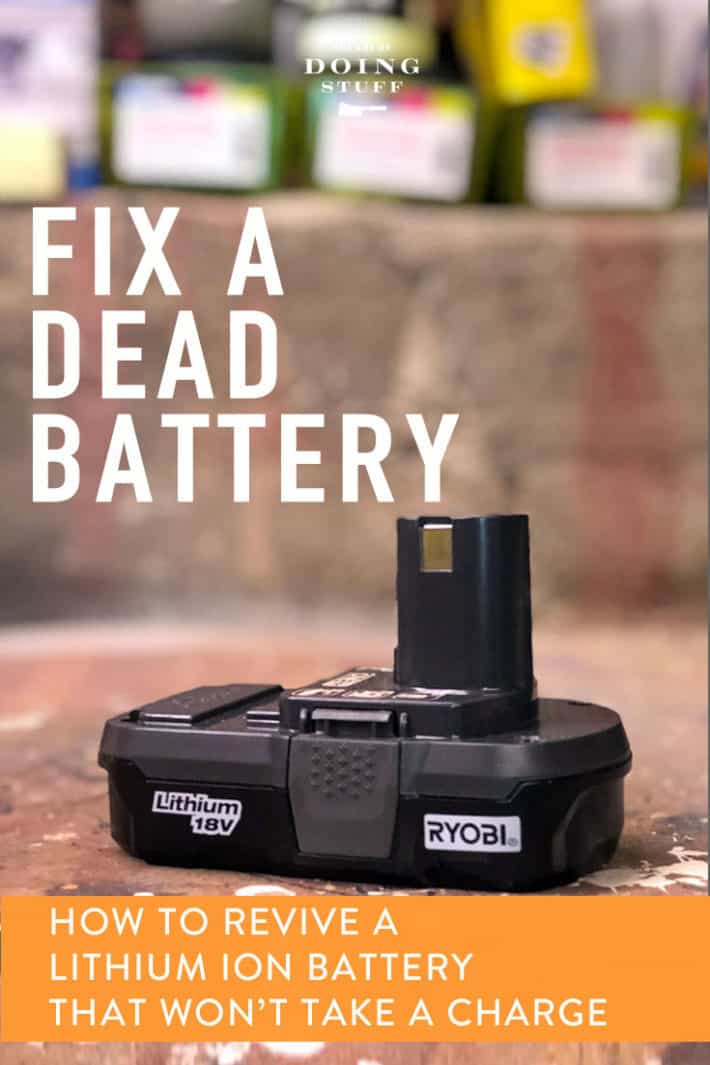
Credit: www.theartofdoingstuff.com
Advanced Troubleshooting Techniques
Advanced troubleshooting helps fix Ryobi batteries that won’t charge after basic steps fail. It digs deeper into battery health and performance. These methods require some tools and care but can save money and extend battery life.
Start by checking the battery voltage. It shows if the battery holds any charge. Next, replacing battery cells can fix damaged parts inside the battery pack. Finally, using a battery analyzer gives detailed insight into battery condition and problems.
Testing Battery Voltage
Use a multimeter to test battery voltage. Set it to DC volts and touch the probes to battery terminals. A healthy Ryobi battery usually reads around 18 volts. Lower readings mean the battery is weak or dead. No reading means a connection problem or a completely dead battery. This test helps decide if the battery needs repair or replacement.
Replacing Battery Cells
Battery packs contain several small cells. Some cells may fail even if others work well. Open the battery case carefully. Look for swollen or leaking cells. Use a soldering iron to remove bad cells and replace them with new ones of the same type. Reassemble the pack tightly. This can restore battery power and improve charging.
Using A Battery Analyzer
A battery analyzer tests capacity and health beyond simple voltage checks. Connect the battery and start the test. The device charges and discharges the battery to measure performance. It shows if cells are weak or if the battery has other faults. This tool helps find hidden issues and confirm if repair is possible.
Preventive Tips To Extend Battery Life
Keeping your Ryobi battery healthy helps it last longer and work better. Simple habits can stop damage before it starts. Small changes make a big difference in battery life. Follow these tips to keep your battery strong and ready.
Proper Charging Habits
Charge the battery fully before using it again. Do not leave it plugged in after it is full. Avoid charging the battery only for a short time. Let the charger finish its cycle to protect battery cells. Use the charger made for your Ryobi battery. This prevents damage and ensures safe charging.
Storage Recommendations
Store your battery in a cool, dry place when not in use. Keep it away from metal objects to avoid short circuits. Remove the battery from the tool before storing. Charge the battery to about 50% before long storage. Check and recharge it every few months to keep cells active.
Avoiding Extreme Temperatures
Do not expose the battery to very hot or cold places. High heat can cause the battery to overheat and fail. Cold temperatures reduce battery power and slow charging. Room temperature is best for charging and storing batteries. Protect the battery from direct sunlight and freezing weather.
When To Replace Your Ryobi Battery
Knowing when to replace your Ryobi battery can save time and money. It helps avoid frustration from a battery that won’t charge or hold power. Some issues are fixable, but others mean the battery is beyond repair. Understanding the signs of damage and choosing the right replacement keeps your tools working well.
Signs Of Irreparable Damage
Look for swelling or leakage on the battery case. These show serious internal damage. A battery that gets very hot during charging may be unsafe. If the battery cannot hold a charge despite multiple attempts, it likely needs replacement. Cracked or broken battery parts also mean replacement is necessary. Damaged batteries can harm your tool or charger.
Choosing The Right Replacement Battery
Pick a battery that matches your Ryobi tool model. Check the voltage and amp-hour rating to match the original battery. Use only genuine Ryobi batteries or trusted brands. Avoid cheap, unbranded batteries that may cause damage. Ensure the battery fits your charger and tool securely. Correct batteries improve performance and tool life.
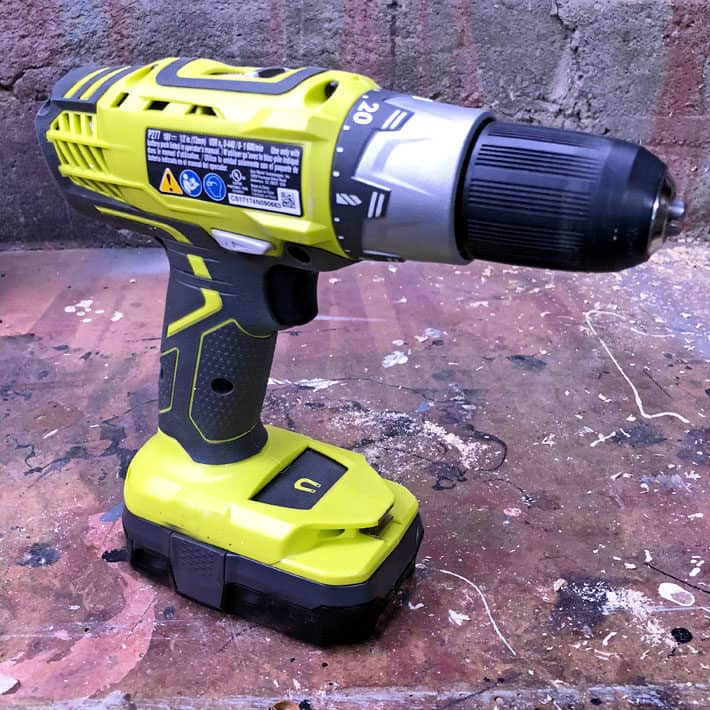
Credit: www.theartofdoingstuff.com
Frequently Asked Questions
Why Won’t My Ryobi Battery Charge Properly?
A dirty or damaged battery connection can stop charging. Check for dirt and clean the contacts gently. Also, inspect for visible damage before charging.
How Can I Reset A Ryobi Battery That Won’t Charge?
Remove the battery from the charger and let it cool for 15 minutes. Reinsert it and try charging again. This can reset the battery’s internal safety features.
Can A Ryobi Battery Be Repaired If It Won’t Charge?
Some batteries can be fixed by replacing broken cells or cleaning contacts. But often, a faulty battery needs full replacement for safety and performance.
What Causes A Ryobi Battery To Stop Charging Suddenly?
Overheating, deep discharge, or worn-out cells can stop charging. Charging in extreme temperatures also harms battery life and function.
How Do I Clean Ryobi Battery Contacts For Better Charging?
Use a dry cloth or soft brush to remove dirt and dust. Avoid water or liquids as they can damage the battery. Clean contacts improve charging connection.
Is It Safe To Use A Ryobi Battery That Won’t Charge?
No, using a battery that won’t charge can be risky. It may leak, overheat, or damage your tool. Always replace faulty batteries promptly.
Can A Ryobi Battery Charger Cause Charging Problems?
Yes, a faulty charger can prevent charging. Test the charger with another battery or use a different charger to check for issues.
How Long Should A Ryobi Battery Take To Charge?
Typically, Ryobi batteries take 30 minutes to 1 hour to fully charge. Charging time varies with battery size and charger type.
What Is The Best Storage Method For Ryobi Batteries?
Store batteries in a cool, dry place away from direct sunlight. Avoid freezing or very hot areas to keep battery life longer.
When Should I Replace My Ryobi Battery Instead Of Fixing It?
Replace the battery if it no longer holds a charge or shows damage. Repairing is not recommended for old or heavily used batteries.
Conclusion
Fixing a Ryobi battery that won’t charge can save time and money. Start by checking the charger and connections. Clean any dirt or debris from the battery contacts. Test the battery with another charger if possible. Sometimes, resetting the battery helps restore power.
Remember to store batteries in a cool, dry place to avoid damage. Regular care will keep your tools ready to use. Small steps can make a big difference in battery life. Don’t give up—patience and proper checks often solve the problem.
Keep your Ryobi tools running strong.