
To complete how to change ninebot scooter to mph, open the official Segway-Ninebot mobile app, connect your powered-on vehicle over Bluetooth, tap the gear icon to open settings, and switch the speed unit from km/h to imperial mph. The dashboard updates right away once you confirm the toggle.
Your scooter saves this preference directly to its internal controller memory. If the unit doesn’t switch, the phone dropped the connection during the sync. Leaving the app disconnected before saving is the most common reason the vehicle remains stuck in metric values.
Change your Ninebot scooter to mph
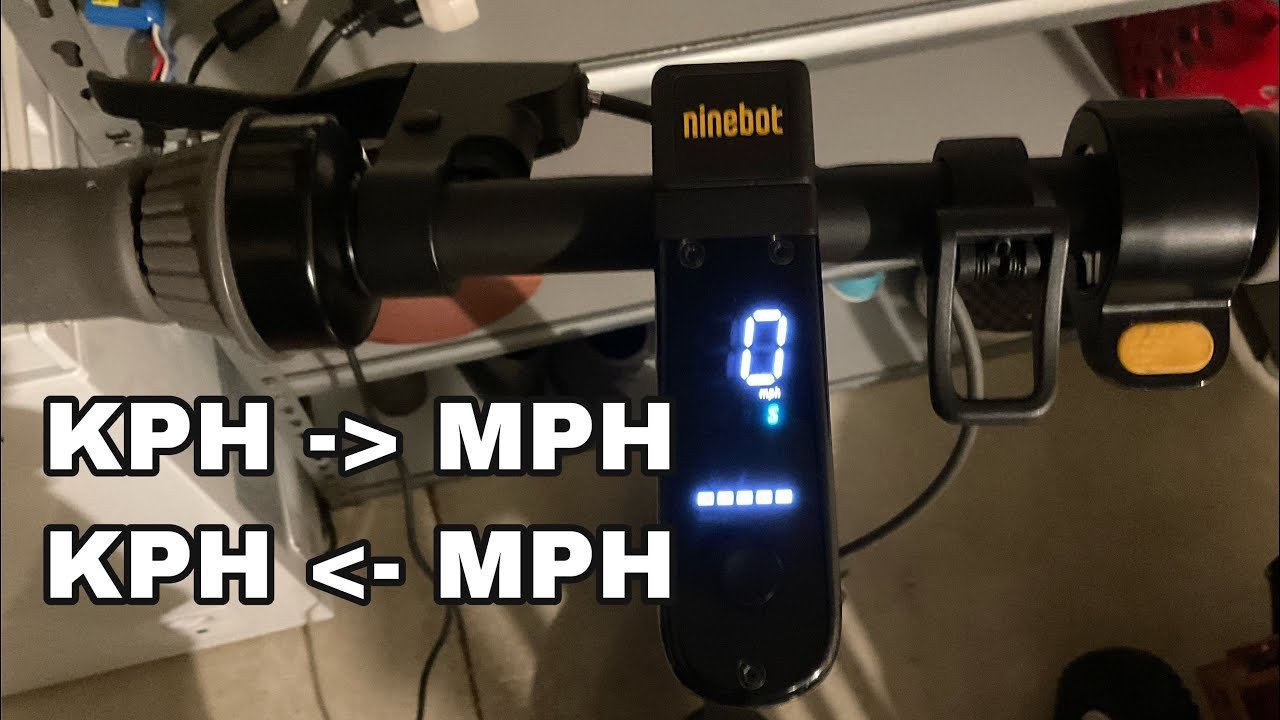
- Press the power button once on your scooter’s handlebar console to turn the dashboard on.
- Turn on Bluetooth on your smartphone and stay within 3 feet of your scooter.
- Open the Segway-Ninebot app and tap your scooter’s icon to finish pairing.
- Tap the gear icon in the top right corner of the screen to open the vehicle settings menu.
- Tap the speed unit toggle so it highlights imperial miles per hour rather than metric units. Tip: If you ride an older model without app support, this guide isn’t for you; those older units use a fixed dashboard display that can’t change digital units.
- Check official Segway support guides if the app asks for a firmware update before letting you edit settings.
- Power the scooter off by holding the dashboard button for 3 seconds, then turn it back on to lock the new setting into memory.
How long it takes
The entire process takes under two minutes from power-up to final save.
| Situation | How long | What changes it | What to watch for |
|---|---|---|---|
| First-time app setup | 3 to 5 minutes | Account login and Bluetooth pairing speed | App asking for device permissions |
| Paired scooter adjustment | 30 to 60 seconds | Phone processing speed | Toggle switch moving to mph |
| Update required first | 5 to 10 minutes | Home internet connection speed | Progress bar reaching 100 percent |
If pairing takes longer than 2 minutes, turn your phone’s Bluetooth off, turn it back on, and restart the app.
How to tell when it’s done
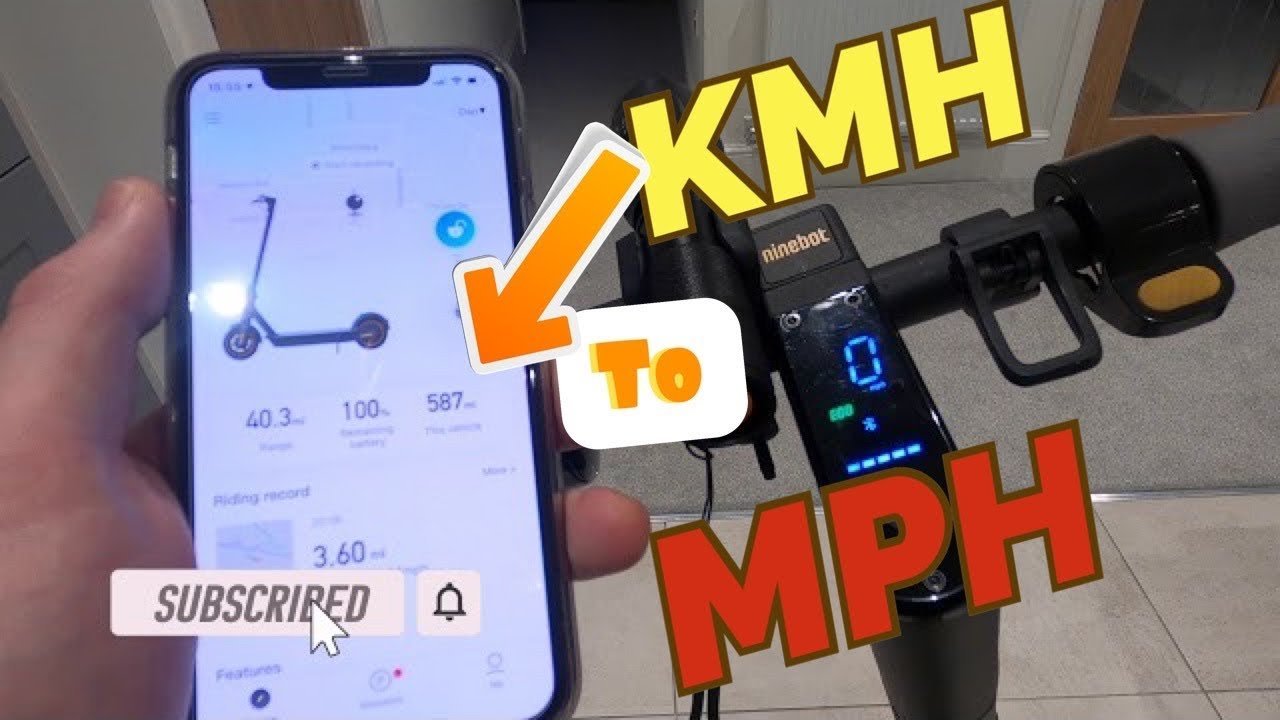
Look straight at your scooter’s central handlebar display after you complete the change. You’ll see small letters next to the speed digits. If it shows “mph”, the setup worked; if it shows “km/h”, it did not. The final test is simple: take the scooter outside and kick-push it to 5 mph. The number will climb slowly by single digits, while a metric screen climbs much faster to reach 8 or 9 km/h. When the dashboard and app disagree, the dashboard is the true reading.
Mistakes that ruin it
- Walking away too fast: Closing the app right after tapping mph stops the data transfer before the scooter saves it. Keep your phone next to the handlebars for at least 10 seconds.
- Skipping the power cycle: Leaving the scooter on without a reboot can cause the dashboard to show old metric numbers until the next ride. Turn the vehicle completely off and on again to lock it in.
- Using unofficial third-party apps: Trying custom flashing apps can brick your dashboard and void your factory protection. Stick strictly to the genuine Segway mobile tool for safe basic changes.
Frequently asked questions
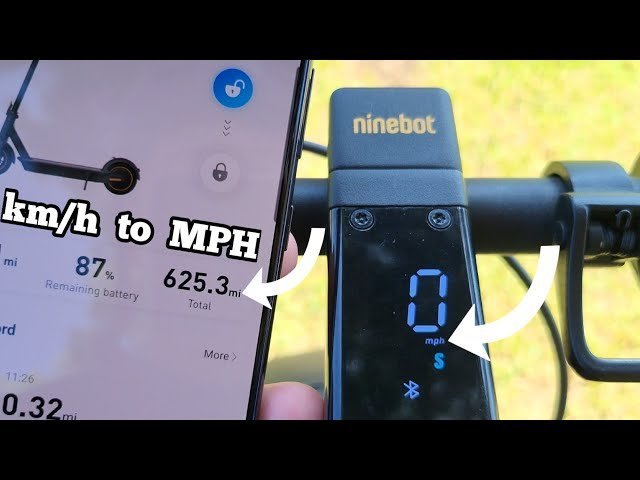
Can you change the speed unit without the app?
No, you can’t change the units using the handlebar button alone. The scooter lacks hardware menu buttons on the deck or stem. You must use the official Segway-Ninebot app connected via Bluetooth to switch between metric and imperial values.
Why is my dashboard still showing kilometers?
Your phone didn’t finish sending the new data packet to the controller. This happens when the Bluetooth signal drops or when you force-close the app too quickly. Reconnect the scooter inside the app, toggle the setting back and forth once, and wait 10 seconds.
Does changing to mph make the scooter go faster?
No, changing the readout unit doesn’t alter the motor’s actual top speed. It only changes how your speed is calculated and shown on the screen. A scooter limited to 15.5 mph will still top out at that exact physical limit.
Is it safe to change settings while riding?
No, you should never adjust software settings while riding the scooter. The app locks out several menus while the wheels are moving to prevent crashes. Stop completely, put the kickstand down, and adjust the units safely while stationary.
What happens if I uninstall the app later?
The scooter keeps your mph setting permanently even if you delete the app from your phone. The vehicle stores your unit preference inside its own controller memory. You only need the app again if you want to switch back to kilometers.
Final Thoughts
Once your settings are updated, take your scooter for a quick ride around the block to get a feel for the new display. You’ll find it’s much easier to gauge your speed when it matches your local road signs. Don’t forget to wear your helmet whenever you’re heading out for a cruise!