
The standard way for how to turn off gotrax scooter models is to press and hold the red power button on the console for 3 to 5 seconds until the screen and headlight shut down completely. Release the button the moment the LED screen goes dark so the unit stays off.
Stopping the wheels completely is what makes the power-down sequence work reliably. Modern controllers block shutdown while the motor detects motion to keep riders safe.
The most frequent error is tapping the power button quickly instead of holding it down. That short tap just toggles your headlight on or off, leaving the battery draining on standby.
How to turn off your Gotrax scooter
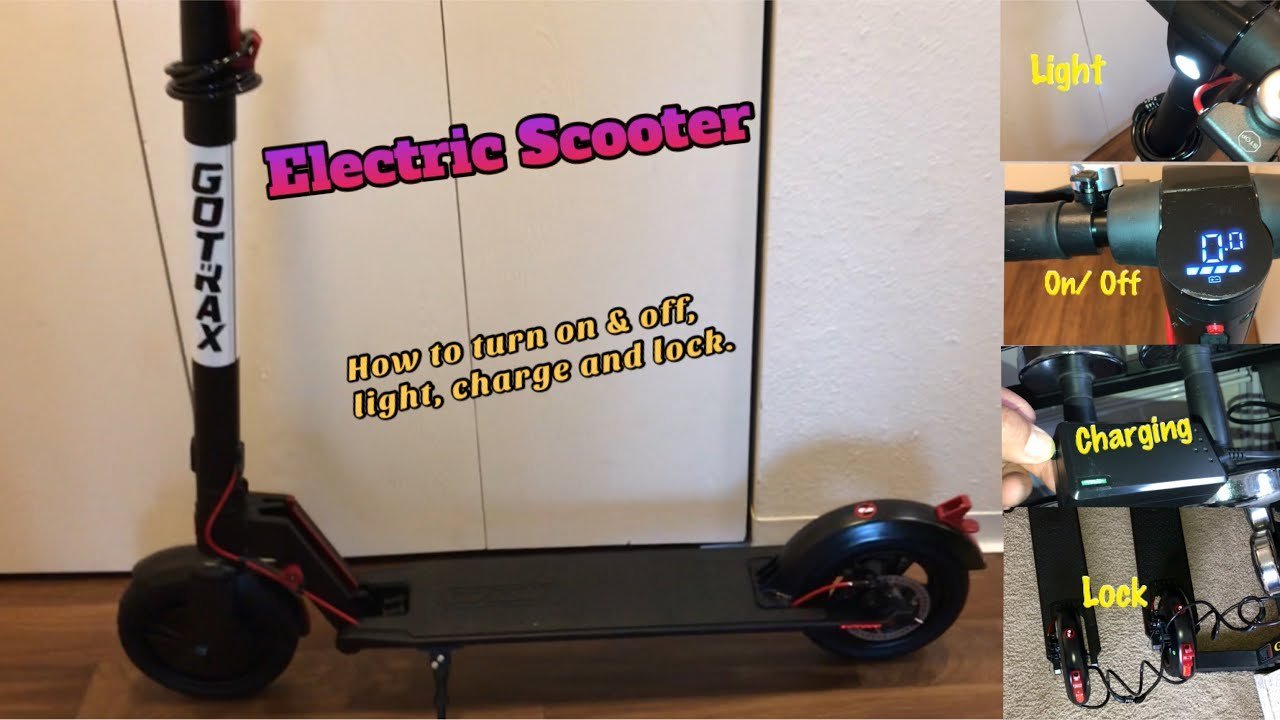
- Bring the scooter to a complete stop on flat ground and kick down the kickstand. The controller won’t shut off while the wheels are turning.
- Locate the power button on the handlebar display. On most commuter models, it’s the red button below the speed readout.
- Press and hold the power button firmly for 3 to 5 continuous seconds. Tip: If you let go before 3 seconds pass, the scooter switches the headlight mode instead of turning off.
- Release your finger immediately once the digital screen goes black.
- Turn the physical key switch counterclockwise to the “Off” position if your specific edition carries an ignition barrel, then remove the key. Tip: Leaving the key turned on keeps the controller active even if the top screen looks dark.
- Fold the stem down and lock it to the rear fender hook if you’re storing the unit.
This guide isn’t for people with broken console housings, torn wiring harnesses, or water-logged circuit boards. If your power button is cracked or stuck down from an impact, don’t attempt to pry open the electronics with metal tools; contact an authorized electric mobility repair center or review the Gotrax user manuals to identify your exact console part number before ordering a replacement dashboard.
How long it takes
Shutting down takes under five seconds on a healthy scooter, though specific series respond at slightly different rates.
| Situation | How long | What changes it | What to watch for |
|---|---|---|---|
| Standard commuter models (GXL V2, Apex) | 3 to 5 seconds | Firmware version and button wear | Screen goes black immediately |
| Key-lock models (G4, Eclipse) | 1 to 2 seconds | Key turned after button press | Voltage display turns off |
| Inactive auto-shutoff | 5 minutes | Factory timer setting | Screen turns off after standing idle |
If your display stays illuminated after holding the button for more than 10 seconds, the switch contact inside the throttle assembly may have shifted out of place.
How to tell when it’s done
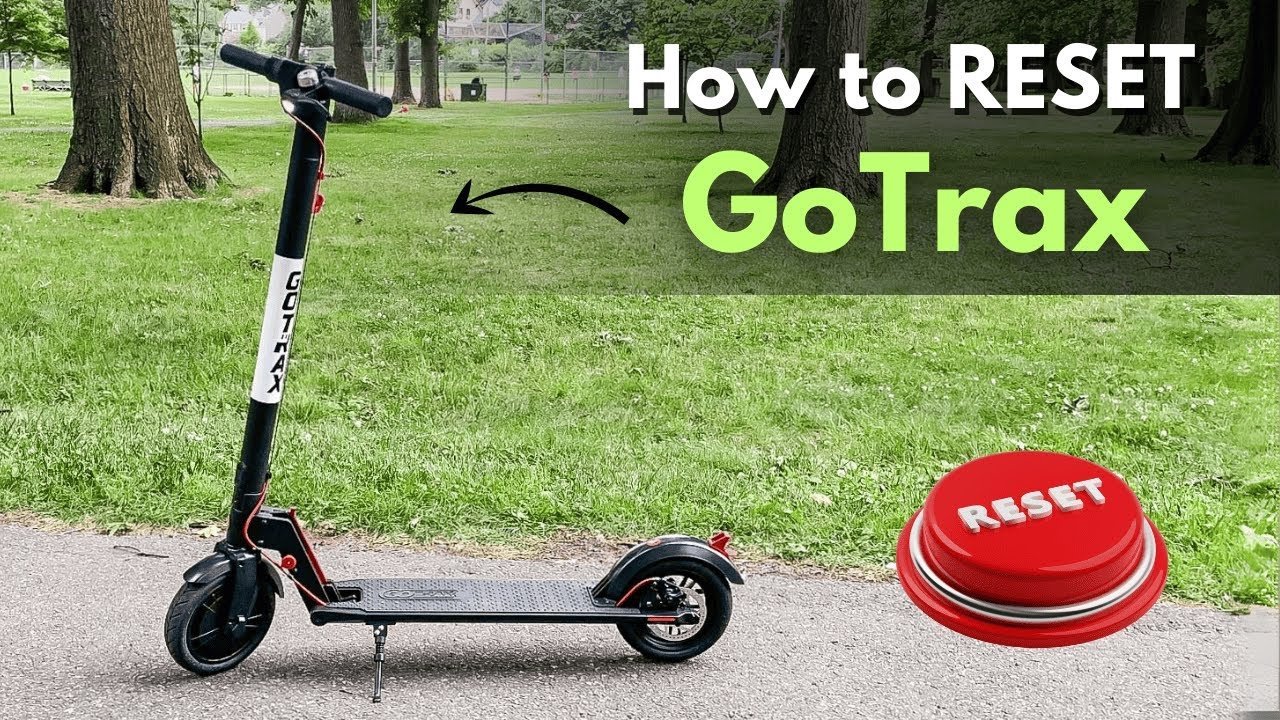
A fully powered-down scooter shows three clear signs: the central digital screen is entirely blank, the front LED headlight is dark, and the rear brake light doesn’t illuminate. If X (the screen is black) happens, but Y (the headlight remains lit) occurs, you have only toggled night mode rather than powering down. The trade-off for a simple one-button design is that multiple functions share the same switch. To run a definitive test, push the thumb throttle down gently with the kickstand extended; if the hub motor produces no hum and the wheel doesn’t resist your push, the system is fully shut down.
Mistakes that ruin it
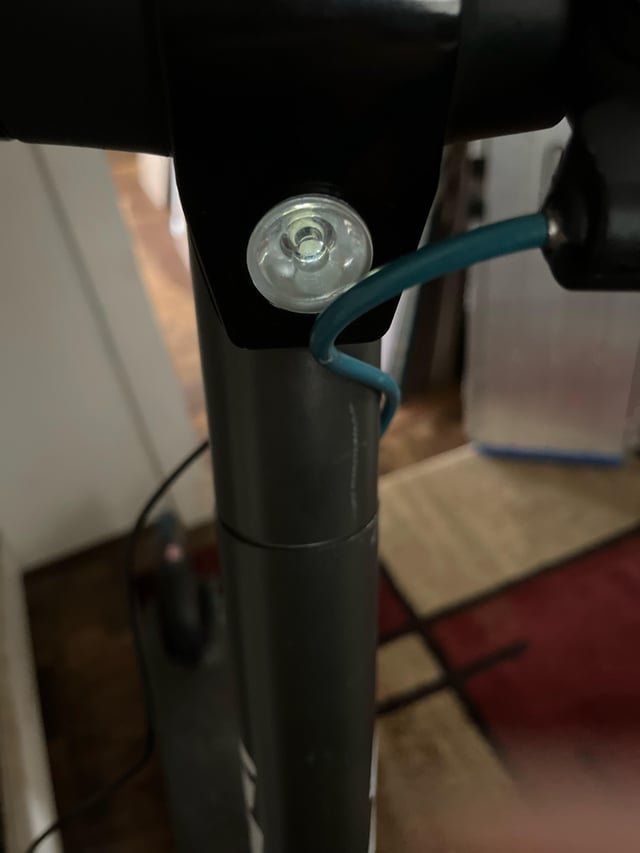
- Tapping instead of holding: A single quick click only turns the front headlight on or off. Hold the switch firmly until all dash lights disappear.
- Walking away while the motor spins: Powering down while the wheel is turning fails because safety software keeps the controller active. Stop the scooter completely before touching the switch.
- Leaving the battery key turned on: Turning the screen off while leaving the ignition key engaged slowly drains the battery cells. Always twist and remove the key.
- Holding the button too long: Keeping the switch pressed for 8 to 10 seconds can trigger a restart cycle on some dashboards. Release your thumb the instant the screen turns off.
Can you turn off a Gotrax scooter while riding it?
No. The electronic controller ignores power button inputs while the motor is in motion to prevent accidental braking or loss of balance. You must come to a complete stop and let the wheels settle before the shutdown command works.
Why won’t my Gotrax scooter turn off?
A misaligned button contact or moisture inside the dashboard is the usual cause. Water can bridge the circuit traces, making the board think the button isn’t being pressed. Let the console dry thoroughly in a warm, dry room for 24 hours.
What happens if I forget to turn it off?
The built-in sleep timer shuts the scooter down automatically after five minutes of inactivity. While this saves the main battery from total depletion, letting it idle repeatedly can still drain small amounts of reserve capacity over several weeks.
How do I turn off the headlight on a Gotrax scooter?
Click the power button once quickly while the scooter stays powered on. That single short press toggles the headlight and taillight without interrupting the motor power or clearing your trip odometer on the display screen.
Is it safe to turn off the scooter while it’s plugged into the charger?
Yes. The internal battery management system automatically routes power directly to the cells during a charge cycle regardless of screen status. The battery will charge regardless of whether the display is on or off.
Final Thoughts
Once you’ve powered down, it’s a good idea to store your ride in a dry, cool spot away from direct sunlight. Keeping the battery charged and the frame clean will help it last for years. You’ll be ready for your next smooth adventure whenever you’re set to head out again.
Related guides