
Is your Steelcase Gesture chair feeling a little… off? You’ve invested in a top-tier ergonomic masterpiece, but maybe it’s not quite hitting the mark for your body.
Don’t worry, that’s totally normal! The beauty of the Gesture is its incredible adjustability, designed to perfectly cradle you. But knowing how to unlock those perfect settings can be a little tricky. This guide is here to help you fine-tune your Gesture chair so it feels like it was made just for you.
Ready to experience true comfort and support? Let’s get started!
Gesture’s Core Adjustments
The Steelcase Gesture chair offers exceptional comfort. Its core adjustments let you personalize your seating. You can fine-tune the chair for your body. This ensures a perfect fit. Discover how to make these key changes.
Seat Depth: Finding Your Sweet Spot
Your legs need proper support. Adjust the seat depth. Slide the seat forward or back. Aim for two to three fingers. This space fits between your knees. It should be the back of your knees. This prevents pressure. It improves circulation.
Lumbar Support: Tailoring Your Back’s Comfort
Your lower back needs care. The Gesture has lumbar support. Find the adjustment knob. Turn it up or down. Feel the support in your back. It should fill the natural curve. This reduces strain. It promotes good posture.
Armrest Height And Width: Personalized Placement
Your arms need a resting place. Adjust the armrest height. It should align with your desk. Your elbows should be at 90 degrees. This is a comfortable angle. You can also adjust width. Move them closer or farther apart. This supports your shoulders. Relax your upper body.
Dynamic Movement Features
The Steelcase Gesture chair excels in dynamic movement. It moves with you. This chair adapts to your posture. It supports your body’s natural shifts. Discover its active features. Experience true ergonomic freedom.
Back Recline: Effortless Tilting
Lean back smoothly. The backrest moves easily. It follows your body’s motion. Find your perfect recline angle. Enjoy continuous support. Your spine stays aligned. This feature reduces strain. Sit comfortably for hours.
Seat Glide: Forward And Back Freedom
Adjust your seat position. Slide it forward or back. Get the right leg support. Your feet remain flat. This prevents pressure points. It improves circulation. Move freely in your seat. Find your optimal comfort zone.
Armrest 360° Rotation: Unrestricted Reach
Armrests move in all directions. They rotate a full 360 degrees. Reach anything with ease. Type without shoulder strain. Hold your phone naturally. Your arms get full support. This promotes good posture.
Advanced Ergonomic Settings
Tailor your Steelcase Gesture chair. Discover advanced ergonomic settings. Adjust the seat and arms easily. Find your perfect fit for comfort.
The Steelcase Gesture chair offers more than just basic adjustments. Advanced settings fine-tune your comfort. They adapt the chair to your specific needs. This unlocks better posture. It also improves focus. Explore these key features.Back Lock: Securing Your Posture
The back lock is important. It controls the backrest recline. You can lock the backrest in place. This provides firm support. It keeps your spine aligned. Find the lever. Move it to your desired position. This helps maintain good posture. It prevents slouching.Armrest Pivot: Adapting To Your Tasks
Armrests adjust in many ways. They pivot inwards and outwards. This matches your arm movement. It supports your arms during tasks. Typing feels easier. Working at a desk is better. Adjust them for your comfort. They reduce shoulder strain.Headrest (if Applicable): Neck And Head Support
Some Gesture chairs have headrests. This part supports your neck. It also cradles your head. It helps relax your upper body. Adjust the height and depth. Find the perfect fit. This reduces neck tension. It promotes overall relaxation.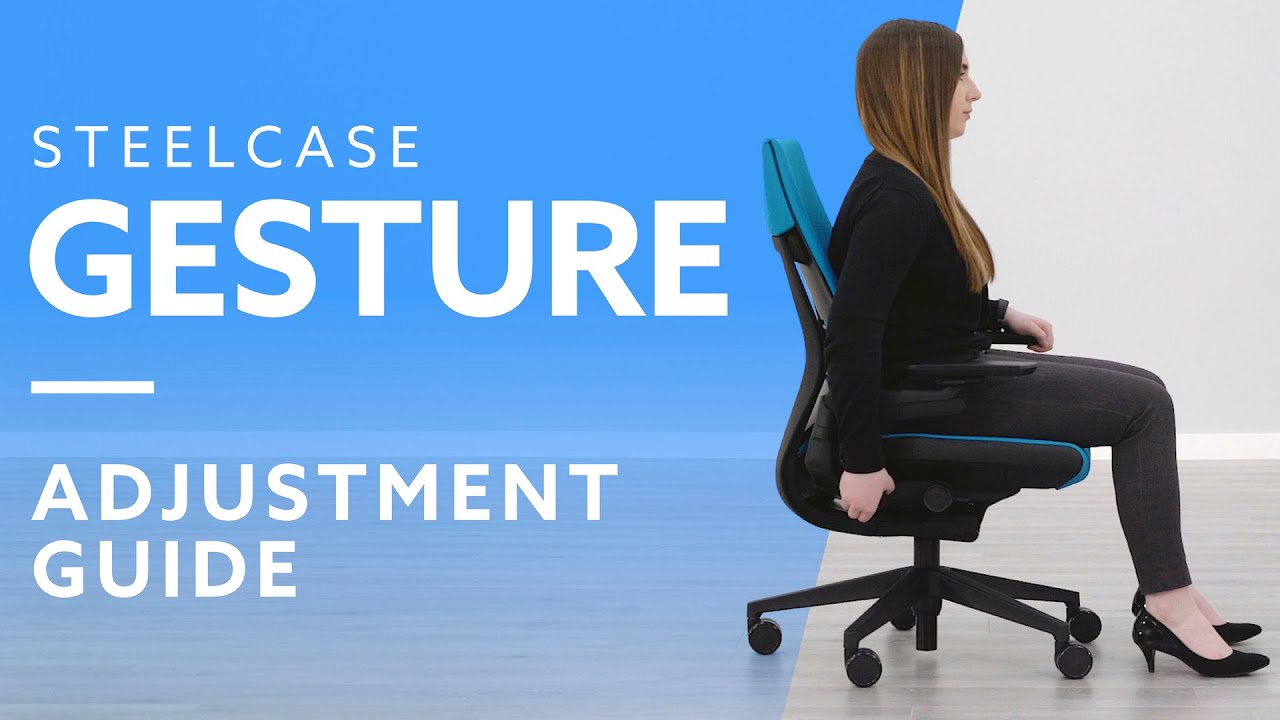
Credit: www.youtube.com
Fine-tuning For Different Needs
The Steelcase Gesture chair is highly adaptable. You can fine-tune its settings. This ensures perfect comfort for everyone. Your specific needs drive these adjustments. We will explore how to do this.
Adjusting For Long Work Sessions
Sitting for hours is common. Long sessions need proper support. The Gesture chair helps greatly. Adjust the lumbar support first. It should fit your lower back curve. Next, set the armrests. They should support your forearms. Your shoulders will feel relaxed. The seat depth is also important. Your thighs should be comfortable. There should be no pressure. Adjust the back recline. Find a gentle angle. This reduces strain on your body. This setup promotes endurance. Work longer without discomfort.
Optimizing For Active Sitting
Movement is healthy. Active sitting uses your core. The Gesture chair supports this. Adjust the seat tilt forward. This opens your hip angle. Your spine stays in a neutral posture. The armrests can move with you. They provide support during shifts. You can lean back easily. The chair moves fluidly. This encourages subtle movements. Your muscles stay engaged. It prevents stiffness. Feel more energized throughout the day.
Ergonomics For Varied Desk Heights
Desks come in different sizes. Your chair must match your desk. Adjust the seat height. Your feet should rest flat. Your knees form a 90-degree angle. Your arms should be parallel. They should meet your work surface. The armrests adjust up and down. They also pivot inward and outward. This accommodates any desk height. You achieve optimal posture. This prevents neck and shoulder pain. Your workspace becomes ideal.
Troubleshooting Common Issues
Your Steelcase Gesture chair is a marvel. It adapts to you. Sometimes, things act up. Don’t worry. We have simple fixes. This section helps you. It addresses common problems. Get your chair working perfectly. Enjoy comfort again.
Stuck Levers: Quick Fixes
Levers can get stuck. This is frustrating. Try a gentle wiggle. Push and pull softly. Sometimes debris causes this. Check for small objects. Clear any obstructions. A light tap might help. Do not force the lever. It should move freely. If it still sticks, contact support.
Uneven Support: Realigning Components
Uneven support is uncomfortable. Your posture suffers. Check the chair’s base. Ensure it sits flat. Wobbly legs need adjustment. Tighten any loose bolts. The backrest might be off. Adjust the lumbar support. Move it up and down. Feel for proper alignment. The seat might tilt. Adjust the tilt tension knob. Find a balanced position. Your body will feel better.
Creaking Sounds: Lubrication Tips
Creaking noises disturb peace. They can be annoying. Identify the sound’s source. Listen carefully to the chair. Focus on moving parts. The armrests often creak. Hinges might need oil. Use a silicone-based lubricant. Apply a small amount. Work the parts back and forth. Joints can also creak. Lubricate connection points. Avoid WD-40. It attracts dust. Keep your chair quiet. Enjoy silent comfort.

Credit: www.youtube.com
Credit: store.steelcase.com
Frequently Asked Questions
How To Adjust The Steelcase Gesture Chair?
Adjusting your Steelcase Gesture chair is easy. Locate the levers under the seat. These control seat height and tilt.
Where Are The Armrest Adjustments On Gesture?
Gesture armrests adjust in three ways. Push the buttons on the armrest sides. Move them up, down, or closer.
How Do I Change The Back Support On Gesture?
The back support adjusts automatically. Lean back to engage the flexor. It moves with your body’s posture.
Can I Lock The Tilt On My Gesture Chair?
Yes, you can lock the tilt. Turn the knob under the seat. Rotate it to your preferred position.
How Do I Adjust The Lumbar Support?
The Gesture chair has built-in lumbar support. It adapts to your spine’s curve. No manual adjustment is needed.
What Is The Seat Depth Adjustment?
Seat depth lets you customize seating. A lever under the seat moves it. Find a comfortable leg position.
How Do I Recline The Steelcase Gesture?
Reclining is simple on the Gesture. Lean back gently to tilt. The chair moves with you smoothly.
Conclusion
Mastering your Steelcase Gesture is simple. Follow these steps for comfort. Adjust the seat height first. Then, change the armrests easily. Find your perfect lumbar support. Lean back for great posture. Enjoy your personalized chair. Your body will thank you.
Work smarter, feel better.